For agencies on Basecamp

The archive your Basecamp work deserves.

Backup, history, and portability for your Basecamp projects: a long-term layer of your own. Years of project work deserve a dedicated archive. Verifiable. Navigable. Yours.

Start free · No credit card required · Available today: backup, History Machine, cross-org migration.

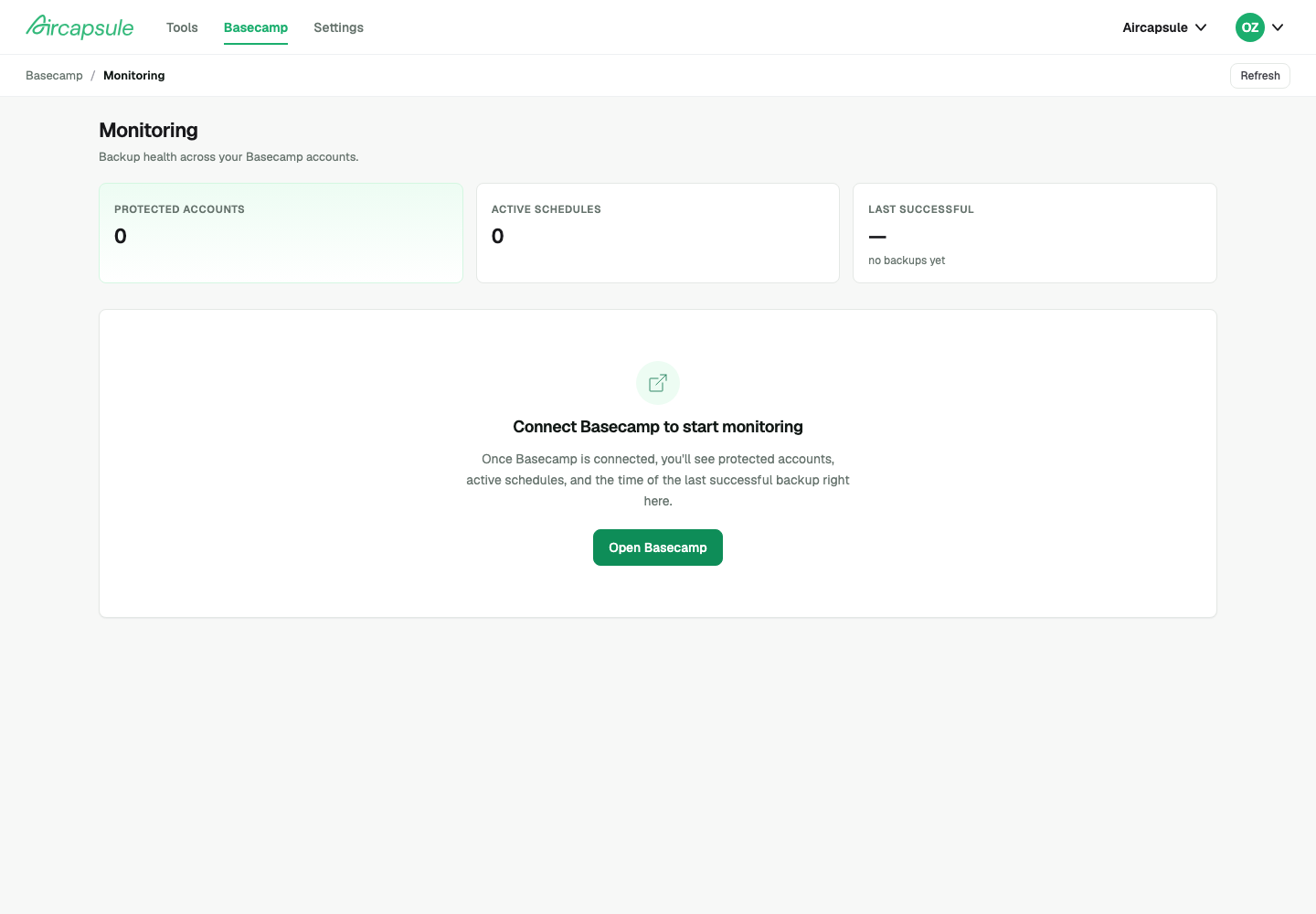
AirCapsule monitoring dashboard showing protected accounts, active schedules, and last successful backup
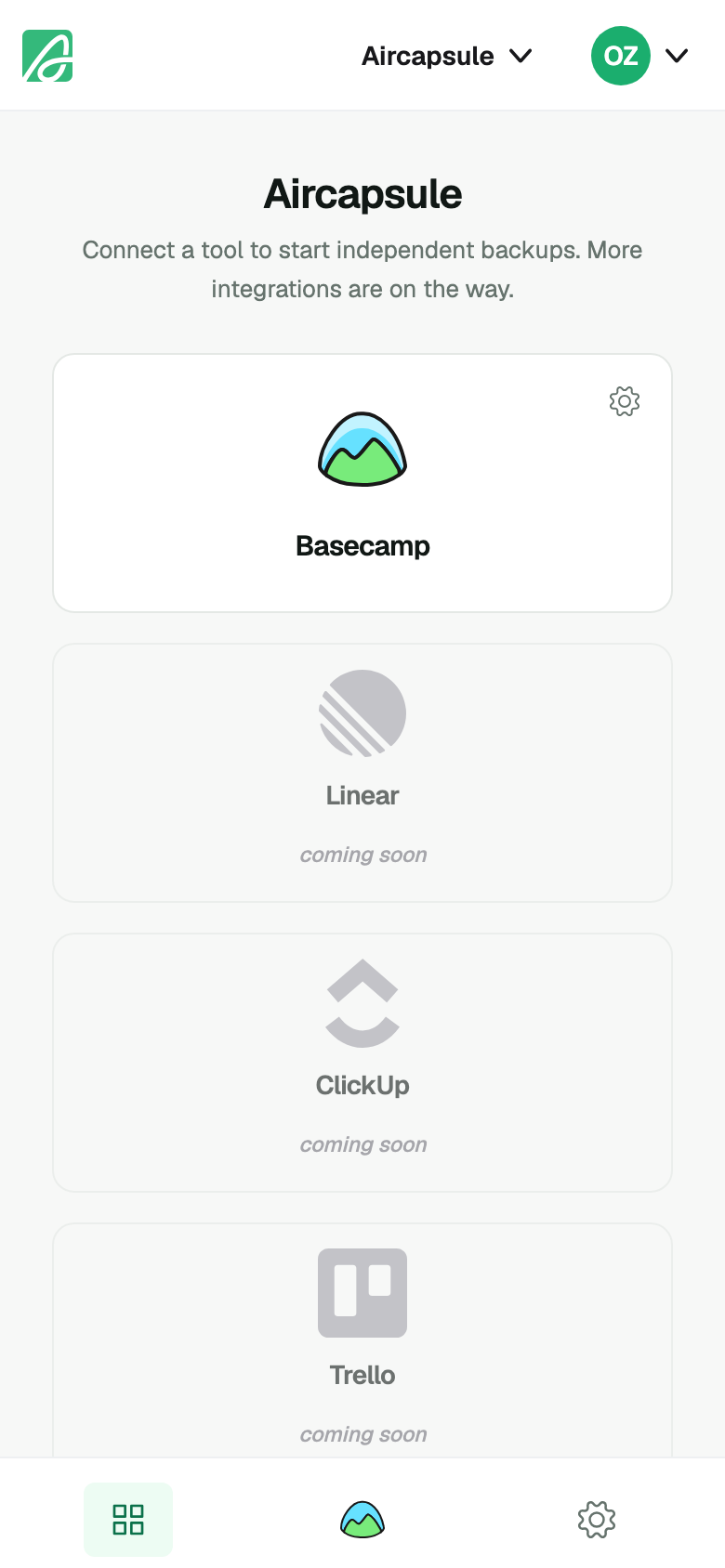
AirCapsule mobile tools view
The pain we hear

Years of project work. One tool. Ever stopped to ask if it's really yours?

You've been on Basecamp for years. Threads, decisions, revisions, briefs that became deliverables, deliverables that became client relationships. Years of work. Years of thinking. All in one place, inside one account, inside one tool.

A five-year-old Basecamp thread isn't noise. It's the moment a partnership pivoted. The exact wording a client used to describe what they wanted.

The audit trail behind a deliverable a client asks about, two years later. The internal debate that became your firm's playbook. The first email from a client who's now your biggest account.

For an agency, this isn't a metaphor. The history of how you've delivered isn't a record of what you did: it's a record of who you are. Not the brand. Not the deck. The work itself.
Three moments

The moment you find out your work isn't really yours.

Most agencies don't think about long-term ownership of project work, until a moment forces them to. Three patterns we hear in conversations.

01 The audit request

A client asks for the paper trail. Two years later.

You open Basecamp. The history is there: scattered across threads, attachments, and to-dos. There's no clean way to assemble the answer in a form a client (or their lawyer) can actually read.

Compliance · Client audit · Contract review
02 The structural change

Your agency restructures. The history doesn't follow.

You split into two organizations. You spin off a vertical. You part ways with a co-founder who takes a book of business. You want to move years of project history between Basecamp organizations. That's a different job from day-to-day project work.

Spin-off · M&A · Co-founder exit · Rebrand
03 The day the tool changes

A pricing change. An API change. An acquisition.

Suddenly your decade of project work depends on what happens next at a company that isn't yours. None of these scenarios are urgent today. None of them are improbable, either.

Vendor change · Platform shift · Long-tail risk

None of these are urgent.
None of these are improbable.

Meet AirCapsule

The long-term archive layer for Basecamp.

Same work. Two layers. Both yours.

It backs up your projects. It keeps your history navigable long after a project closes. It lets you move data between Basecamp organizations when you need to. Built for the work that matters years from now.

Step one · Connect 01 / 04

Connect Basecamp.

OAuth in 30 seconds. Pick the accounts you want protected. No engineering required: just an authorized session and you're set.

Connect once per Basecamp identity. AirCapsule reads the projects you choose, never more.
B3

Connect to Basecamp

AirCapsule will read the projects you choose. You can revoke access at any time.

Authorize Basecamp account
Read projects, messages, todos, documents
Read schedules and attachments
No write access. No deletion. Read-only.
Step two · First backup Available now 02 / 04

Run your first backup.

Within minutes, every project lands in your archive: todos, messages, documents, schedules, attachments. Verifiable on your own. Restorable on your own.

Schedules per account. Cadence you set. Failure alerts on the channel you choose.
First backup · running 5 accounts · 3 min
Acme Studio: Q3 launch backing up
Greenfield · branding Backed up
North & Co. · ops Backed up
Tailwind LLC · retainer Backed up
Pier 6 Co. · archive Backed up
Step three · History Machine Available now 03 / 04

Walk through your archive.

Your history isn't a static export. It's a navigable archive layer: revisit any point in time, find the message that shifted a decision, walk the timeline of how a client engagement unfolded.

Filter by project, person, decision type. Pull the exact moment something changed, in seconds.
Project history · Q3 launch 2024 → today

Wed 14 Aug · 12 events

09:14
Brief revision: "Move the launch ribbon up"
Elena · Message thread
11:32
Decision pinned to Q3 launch
Marcus · To-do · 3 owners
14:08
Asset v3 uploaded
Asha · Document · 12 MB
16:45
Client approved: sign-off captured
Elena · "Looks great, ship it."
Step four · Cross-org migration Available now 04 / 04

Move work between orgs.

Move an entire project: todos, messages, documents, schedules, comments, attachments, from one Basecamp organization to another.

History intact. Permissions remapped. Audit log preserved. Days of manual rebuild collapsed into one transaction.
Move project between orgs Cross-org · history kept
Studio North · LLCFrom
N Greenfield · brand system 847 items · 12 mo.
Greenfield · Inc.To
G Greenfield · brand system 847 items · history intact
Built for the long-term

Three tests of ownership.

No fake logos. No fabricated testimonials. No enterprise theater. Three quiet promises we hold ourselves to.

Verifiability

Every backup produces a checksum you can validate yourself. Your archive is restorable without us. No vendor lock-in dressed up as a feature.

Verify on your own

Continuity of access

Your data stays accessible: through pricing changes, ownership changes, integration changes. The point of an archive is that it outlives the conditions of its creation.

Access without dependency

Portability

Move projects between Basecamp organizations today. Export JSON / ZIP when it ships. Your archive should be portable by design, not held hostage by us either.

Take it with you
Pricing

Plans that grow with your archive.

Backup, History Machine, and cross-org migration, priced so any agency can start, and any agency can grow into it.

Free

Try AirCapsule without a deadline.

$0 / month Free forever · no card
  • 1 Basecamp organization
  • 2 projects backed up
  • History Machine: 14 days
  • Manual, on-demand backup
  • EU-resident storage
  • No cross-org migration
  • Community support
Start free

Studio

One Basecamp org, every project on autopilot.

$19 / month Launch price · $29 after
  • 1 Basecamp organization
  • All projects in your org
  • History Machine: 3 months
  • Automatic daily backup
  • EU-resident storage
  • No cross-org migration
  • Email support
Subscribe

Need more orgs, multi-year retention, or a hand setting up?

Talk to us

Start free, no credit card. Upgrade any time, self-serve. Launch pricing is for our first 100 paying customers. Your rate stays locked for as long as you stay subscribed. Your archive, your control.

FAQ

Questions you might have.

What is AirCapsule?

AirCapsule is the long-term archive layer for Basecamp. It backs up your Basecamp projects daily, gives you a navigable archive (the History Machine), and lets you move data between Basecamp organizations when you need to. Same work. Two layers. Both yours.

Does AirCapsule support all versions of Basecamp?

AirCapsule connects to Basecamp via the official OAuth integration on basecamp.com. If you sign in to Basecamp through basecamp.com today, AirCapsule works with your account: including Basecamp 5, the latest version recently released by 37signals. We don't currently support Basecamp Classic (the legacy 2014 version).

How does AirCapsule back up my Basecamp data, and where is it stored?

AirCapsule connects to Basecamp via OAuth; we never see your password. Once authenticated, daily automated backups run on the projects you select: todos, messages, documents, schedules, attachments. All data is stored on EU-resident infrastructure, GDPR-compatible by default.

What is cross-organization migration, and when would I need it?

Cross-organization migration moves an entire Basecamp project: todos, messages, documents, schedules, comments, attachments, from one Basecamp organization to another. Use it when your agency restructures, when a senior consultant carries a book of business to a new org, or when a client asks to receive their data in a new account.

What happens to my archive if I cancel my plan?

Your archive is preserved. If you cancel a paid plan, your account drops to Free: you keep 2 of your projects with on-demand backup and 14 days of History Machine. You don't lose what you've already backed up; you just have fewer features going forward. You can re-subscribe anytime.

How long do you keep my project history?

On Agency, your history stays fully navigable in-app for a year. Beyond that, we preserve a second year as a cold archive: still yours, retrievable on request. Studio keeps three months navigable, Free keeps the last 14 days. Need longer? Talk to us.

Who owns the data backed up by AirCapsule?

You do. Always. Your archive is yours; we're the custodian, not the owner. Cancel anytime and your account drops to Free with your archive preserved. Cross-organization migration is included in the Agency plan, so you can move your data into any Basecamp account whenever you want. Export to portable formats (JSON / ZIP) is on the roadmap. No vendor lock-in dressed up as a feature.

Looking for step-by-step how-tos? Read the docs.

Ready to start

Ready to give your Basecamp work an archive it deserves?

Sign up free. Connect Basecamp. Get your first backup in 5 minutes: back up 2 projects and navigate the last 14 days, no credit card. When you need every project on automatic daily backup, multiple organizations, or cross-org migration, upgrade to Studio or Agency, self-serve, any time.

Start free, no credit card. Studio from $19/mo, Agency from $49/mo (launch pricing); upgrade self-serve any time. Need more orgs or a hand setting up? Talk to us.